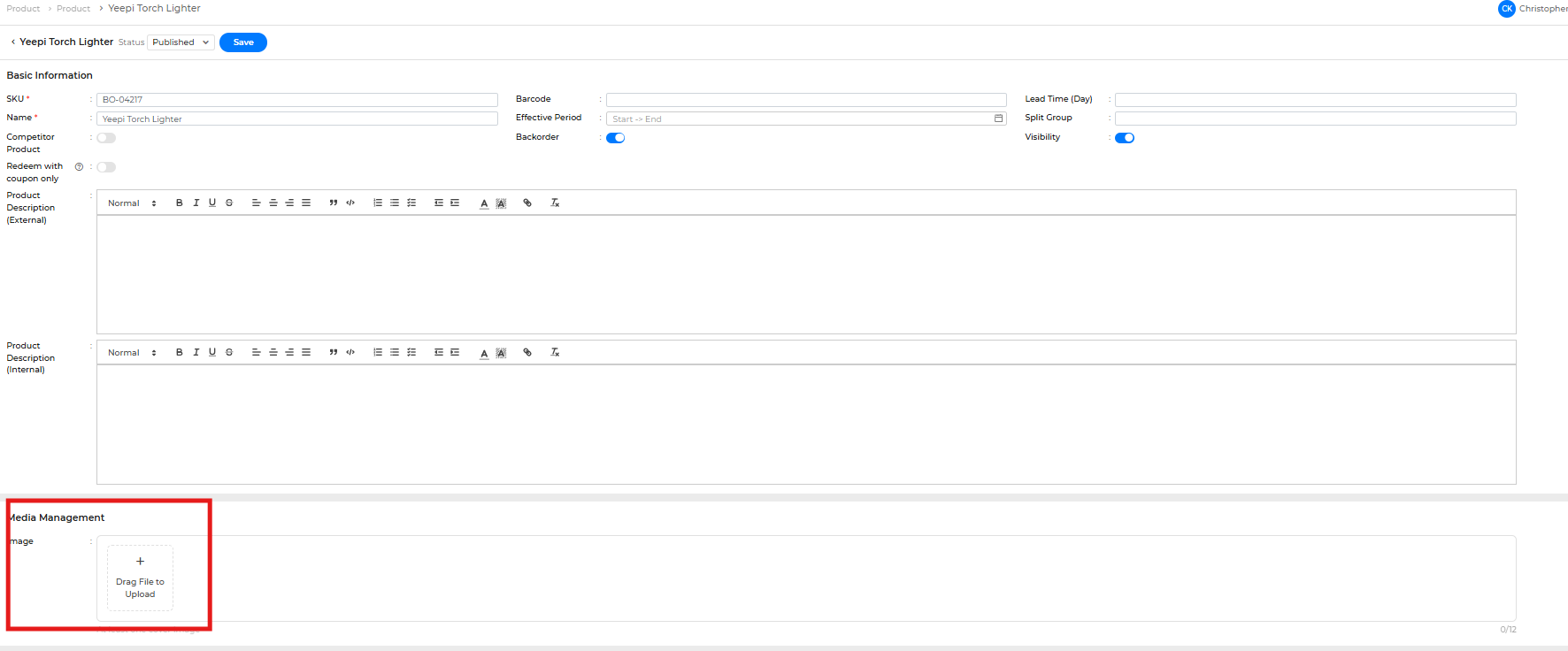
Follow these steps to upload a product image:
- Log in to the site:
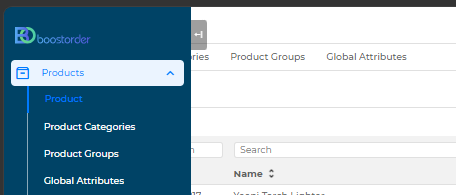
cloud.boostorder.com/sitename/login(replace "sitename" with your actual site name). - Head to the Products page.
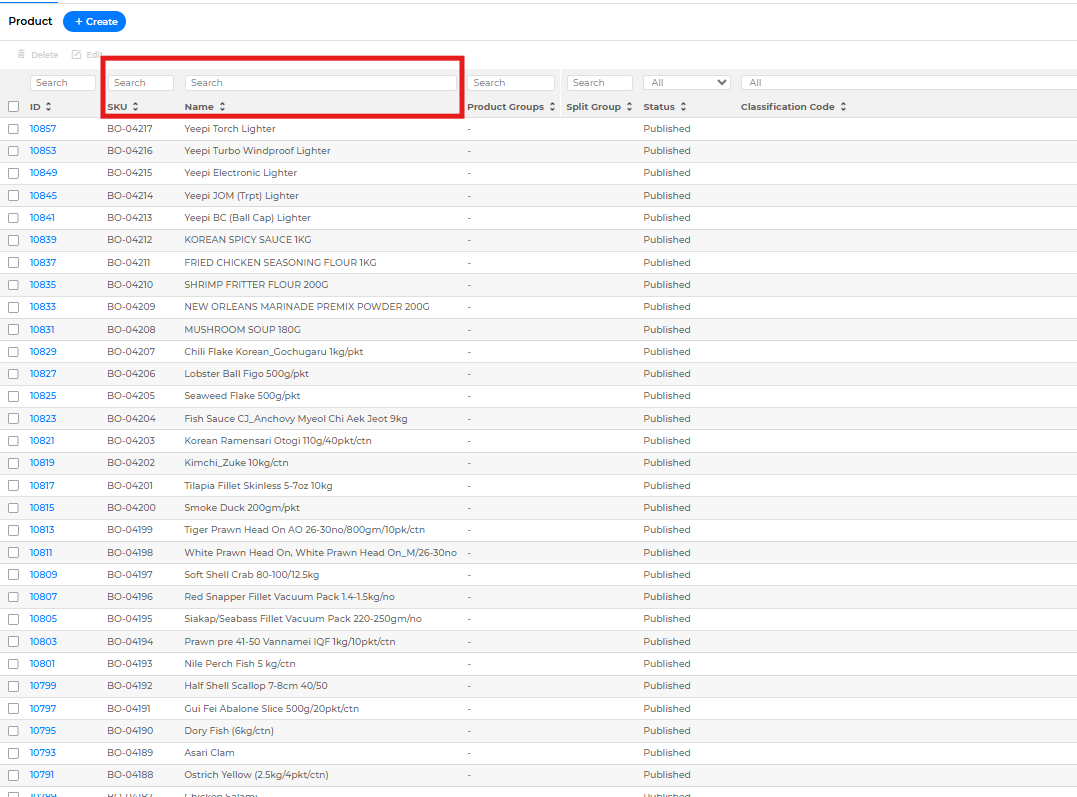
- Search for the product you'd like to upload an image for.
- Find the Media Management tab and drag the image in to upload it.