
Cloning a Previous Journey Plan
- Right-click on an existing Journey Plan and select Clone.

- Enter the required details:
- Name
- Effective Start Date
- Effective End Date
Then click Clone.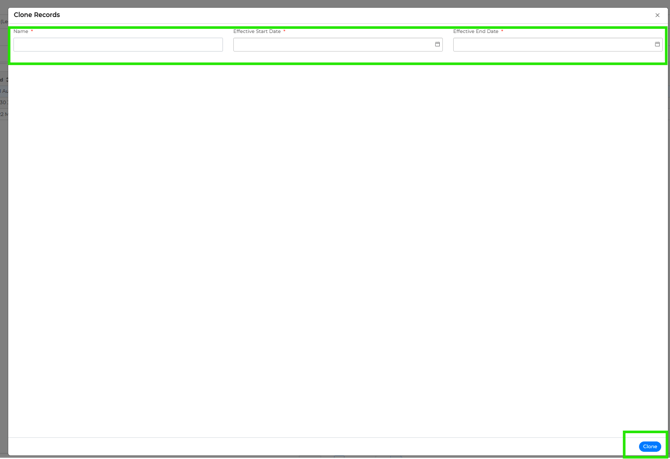
Editing the JP
- Once the JP is created, click Export and choose your preferred format.
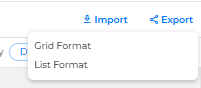
- Make the necessary updates to the exported file.
Uploading the JP
- After updating, click Import and select the file (ensure it matches the format you exported).
- If there are any errors during upload, please refer to the FAQ section.
Completion
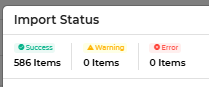
- If the upload is successful, the JP is ready for use.
Notes
- Ensure the file format used for import matches the exported format.
- Double-check all required fields before importing to avoid errors.
- Large or complex JP files may take some time to process.