
What to do if customer login to Boostorder Direct V3 but no site is showing?
Example of screenshot
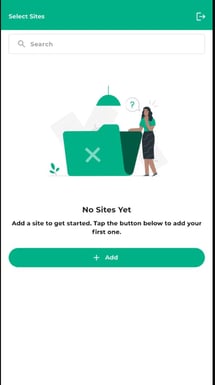
There are two things to check first
- Ask for customer contact such as phone number or email
- Go to Swagger
- Go to Post method of GetLinkedDetailedWcUser
- Search for phone number or email
- Check if this contact detail has linked to the site
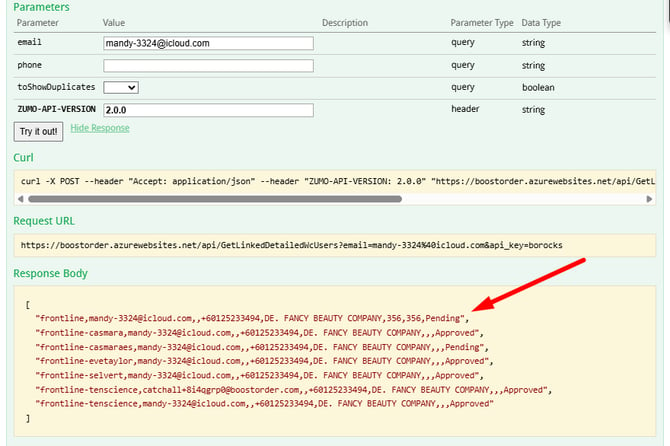
- If yes, and there is a Pending status, copy the site name and send to the user (If no, go to Step 2)
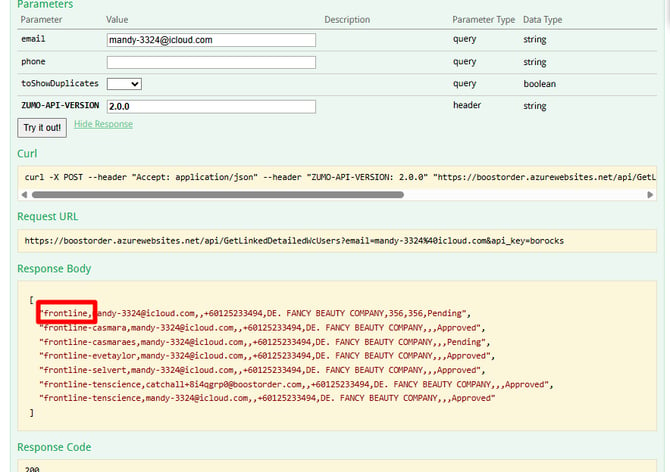
- In Boostorder Direct V3, the user can press on Add button
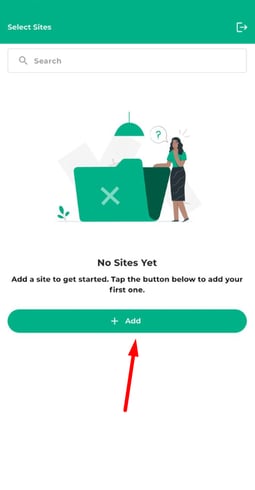
- Fill in the site ID using the site name, and click Confirm button
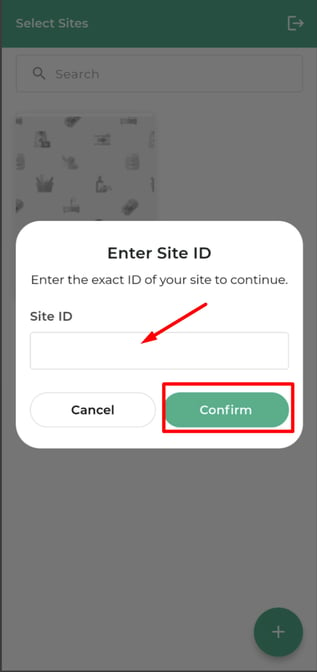
- If there is no error, the site will show in the page.
- Check the site setting to verify direct is enabled.
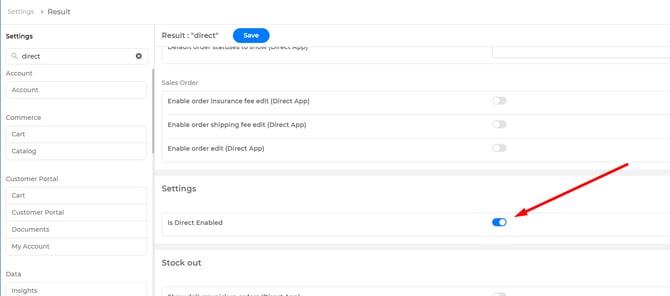
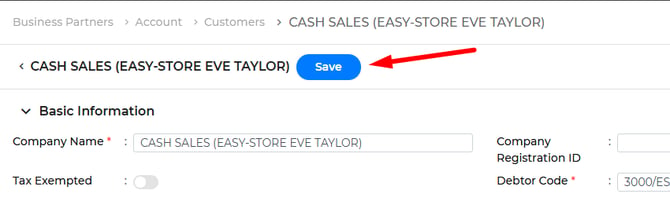
- After enabling this settings, go to customer page and click the Save button again to reflect the changes.
- After that, repeat Step 1
- After enabling this settings, go to customer page and click the Save button again to reflect the changes.