
Backend
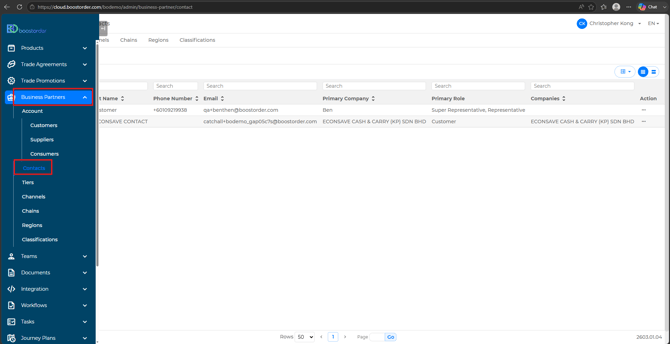
- Go to the Business Partner > Contacts page.
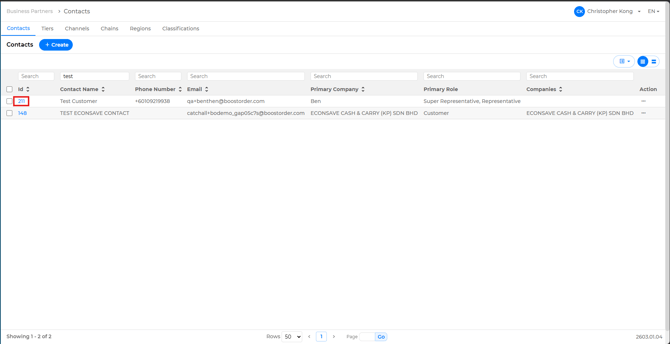
- Search for the customer you would like to onboard and click on the ID section to edit.
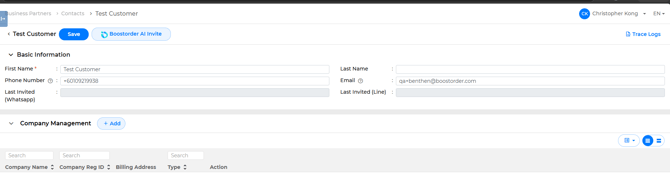
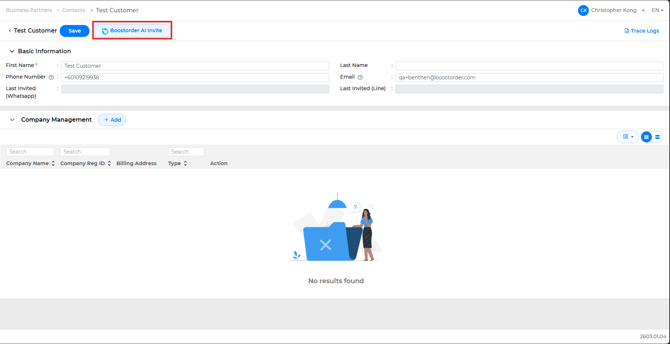
- Click the Boostorder AI Invite button.
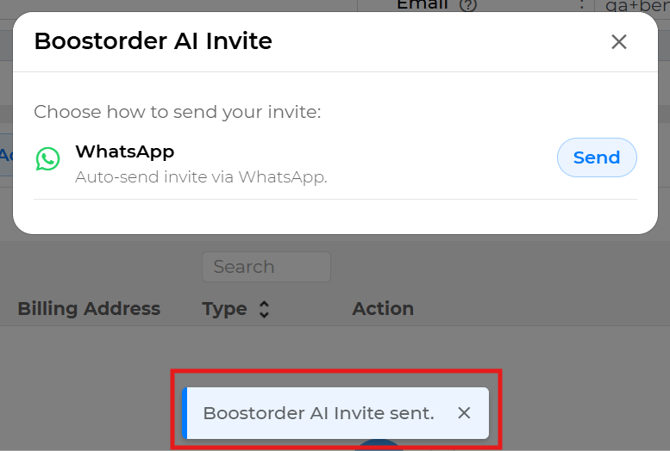
- Choose your preferred invitation method.
- A notification will appear at the bottom of the screen confirming that the invitation has been sent.
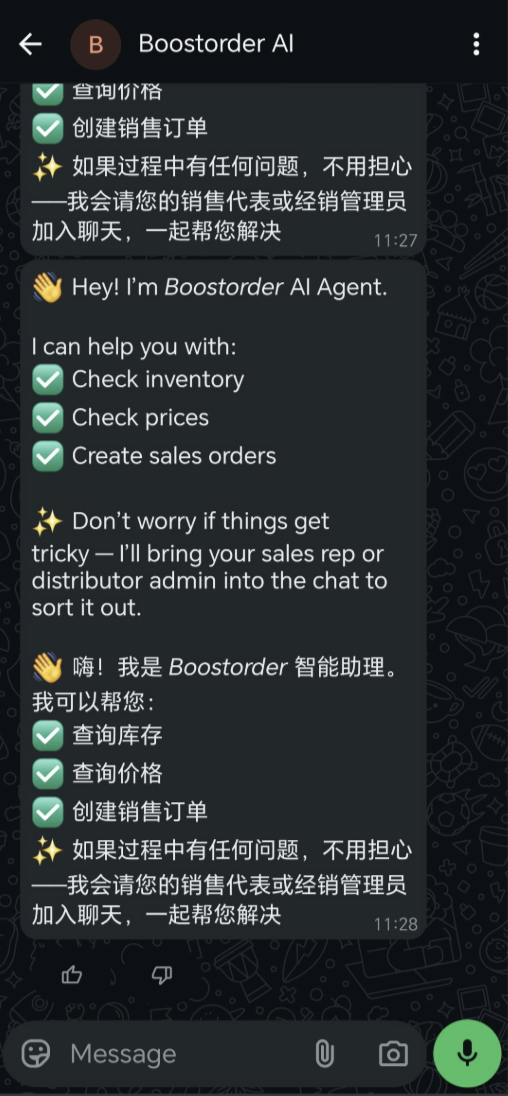
- The customer will receive this message in the selected method.
App (For Users)
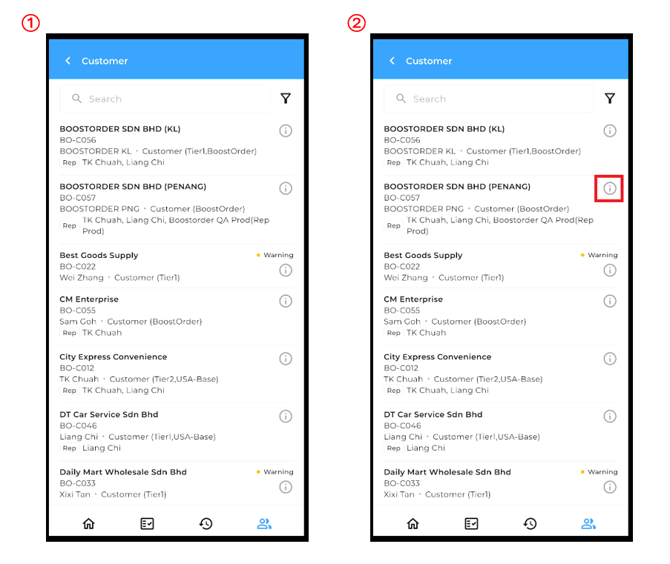
- Navigate to the Customer tab. select the customer you would like to onboard and tap the Info button.
- Go to the Subuser tab and Select the Boostorder AI Invite.
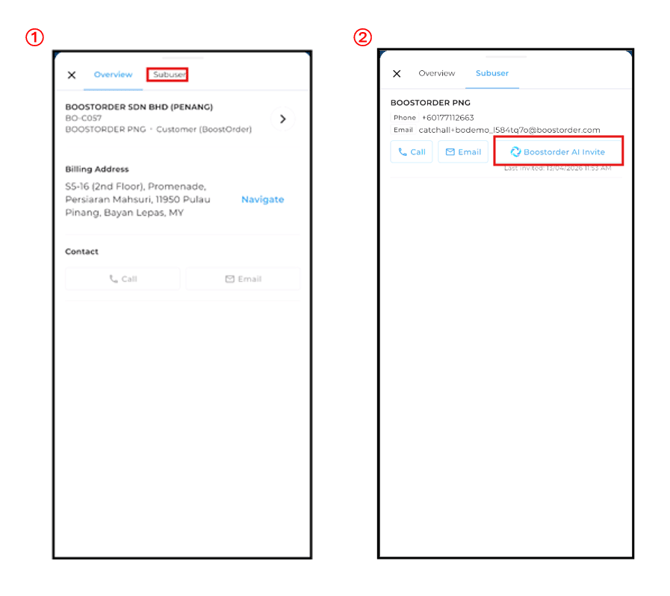
- And click on Send. The last invited date and time will be displayed once the invitation is sent.
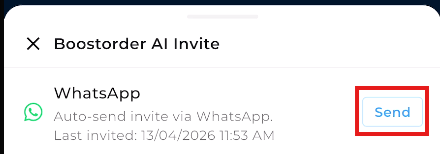
- The customer will receive this message in Whatsapp
