App (For Users)
- Tap the Tasks icon.

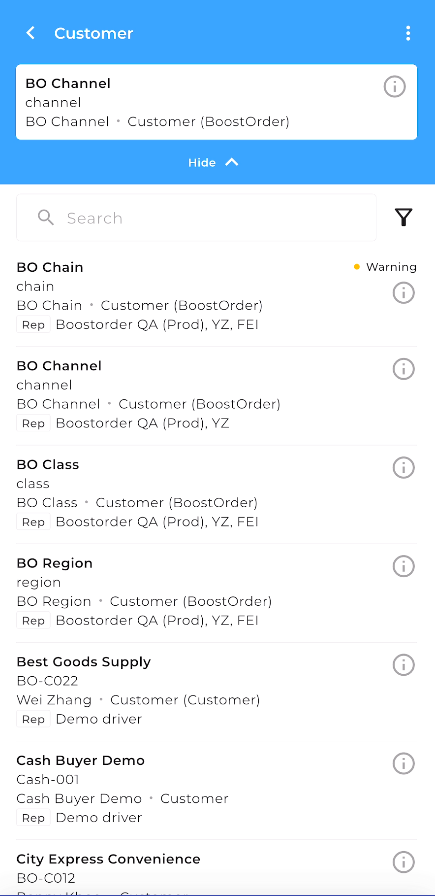
- Select the customer you would like to create a payment for.

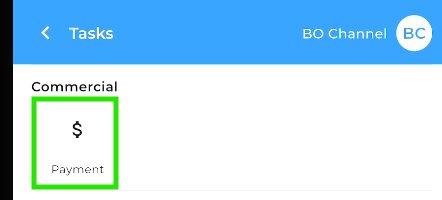
- Tap Payment.
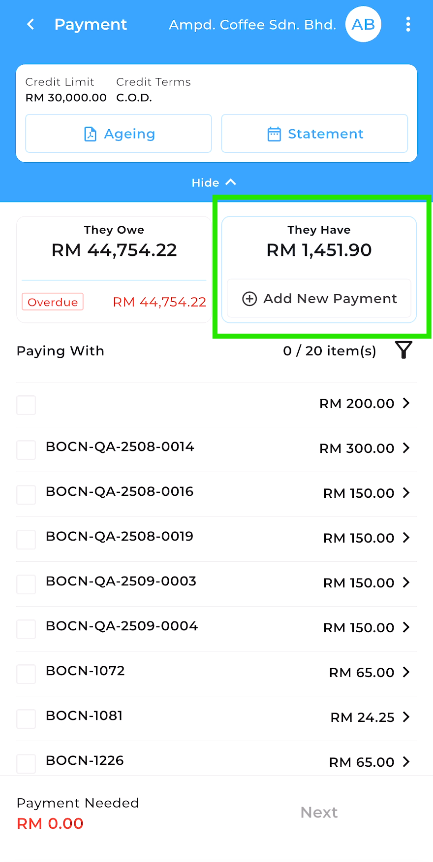
- Select the invoice(s) you want to apply the payment to.
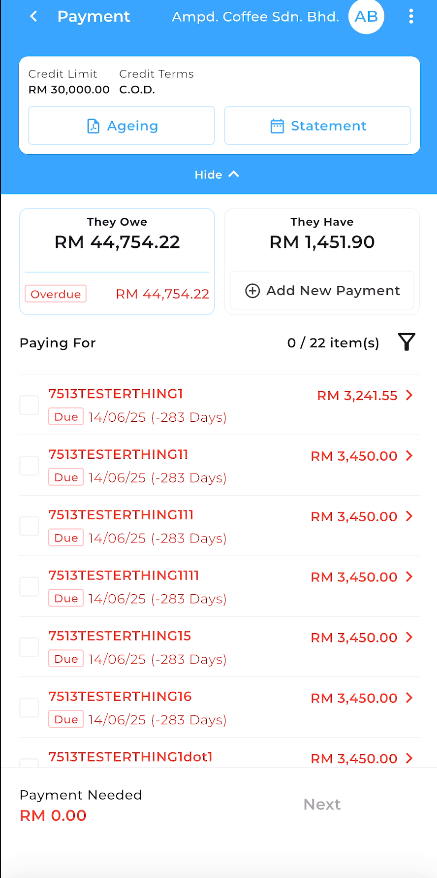
- If applicable, select any Credit Note (CN) to offset the amount and click the add new payment button
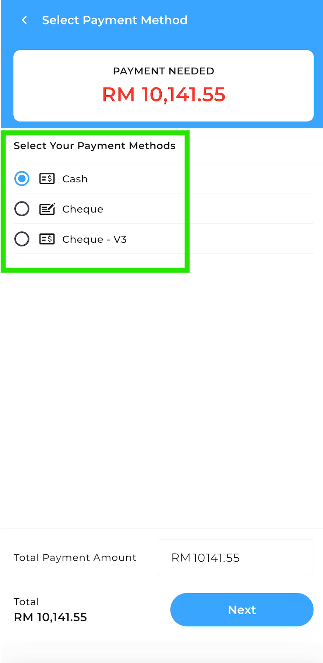
- Choose the payment method and select Next
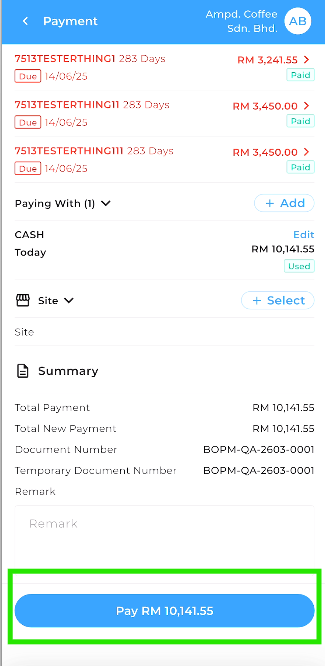
- Once confirmed, cliok on the Pay X amount at the bottom to place the payment.