
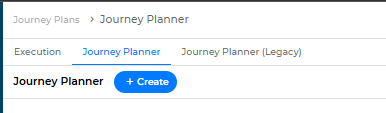
- Click Create Journey Plan.
- Enter the required details:
- Name
- Start Date
- End Date
- Recurring Pattern
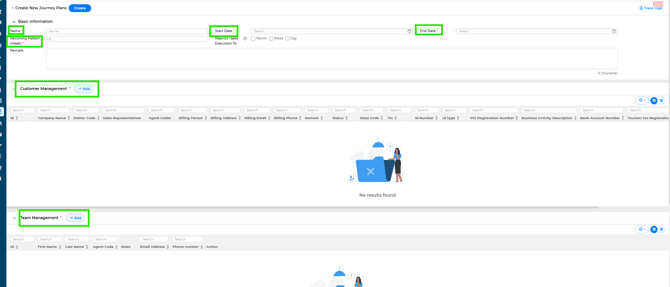
- Under Customer & Team Management:
- Add the customers to be included
- Assign the relevant agents to the Journey Plan
- Once completed, click Create at the top of the page.
Your Journey Plan (JP) will be created successfully.
Editing a Journey Plan
If you wish to edit your Journey Plan, please refer to the link below:
[Insert JP Edit Link]
Notes
- Ensure the date range and recurring pattern are set correctly before creating.
- Verify that the correct customers and agents are assigned.
- Changes can be made later if needed, depending on system permissions.